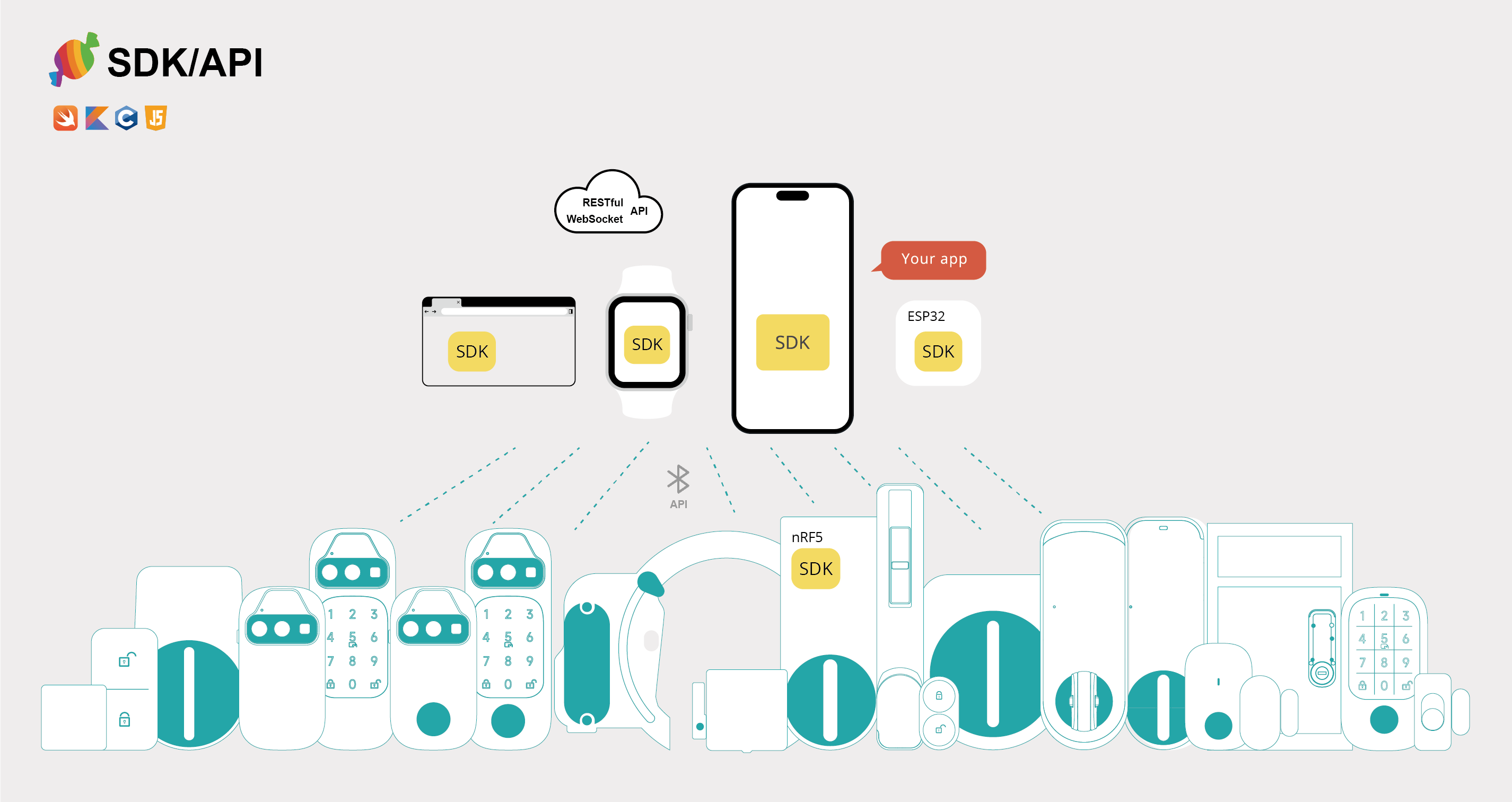
SesameOS3 Android
An open-source project containing the CANDY HOUSE Android app and Sesame SDK. The project currently focuses on co.candyhouse.sesame.ble.os3 and provides BLE connectivity, registration, control, state synchronization, and firmware updates for Sesame OS3 devices.
Integrating the SDK
Requirements
- Android Studio
- JDK 17
- Android SDK 36
- minSdk 24
1. Add the dependency
To use the source module in the same project:
dependencies {
    implementation project(':sesameSdk')
}
To use JitPack, add the repository to settings.gradle:
dependencyResolutionManagement {
    repositories {
        google()
        mavenCentral()
        maven { url 'https://jitpack.io' }
    }
}
Then add the SDK to your app's build.gradle. Replace <version> with the desired tag from Releases.
dependencies {
    implementation 'com.github.CANDY-HOUSE.SesameSDK_Android_with_DemoApp:sesame-sdk:<version>'
}
2. Configure permissions
Add the required permissions to your app's AndroidManifest.xml. Request location and Bluetooth runtime permissions before starting a BLE scan.
<uses-permission android:name="android.permission.ACCESS_FINE_LOCATION" />
<uses-permission android:name="android.permission.BLUETOOTH_SCAN" />
<uses-permission android:name="android.permission.BLUETOOTH_CONNECT" />
<uses-permission android:name="android.permission.INTERNET" />

<uses-feature
    android:name="android.hardware.bluetooth_le"
    android:required="false" />
3. Initialize CANDY HOUSE services
To use Sesame OS3 registration and cloud features, complete the following initialization when your application starts:
- Add
AWSCognitoAuthPluginandAWSApiPluginto Amplify, then callAmplify.configure(...)with your Cognito and API configuration. - Call
DeviceData.initialize(applicationContext). - Call
CHBleManager(applicationContext).
See AWSStatus.kt and BaseApp.kt in the Demo App for complete examples.
override fun onCreate() {
    super.onCreate()

    // Initialize after configuring Amplify Auth and API
    DeviceData.initialize(applicationContext)
    CHBleManager(applicationContext)
}
The public Demo configuration for CANDY HOUSE services is intended for evaluation and may be subject to request or usage limits. For production, use your own Firebase, AWS, and Google Maps configuration, and never commit credentials to the repository.
The Demo App also requires the following local configuration files:
app.properties: CANDY HOUSE API, AWS Cognito/IoT, and Google Maps configurationapp/google-services.json: Firebase configuration
4. Discover and register a device
After permissions are granted, start scanning and listen for unregistered devices. Connect to a device and call register when its state becomes ReadyToRegister.
CHBleManager.delegate = object : CHBleManagerDelegate {
    override fun didDiscoverUnRegisteredCHDevices(devices: List<CHDevices>) {
        val device = devices.firstOrNull() ?: return

        device.delegate = object : CHDeviceStatusDelegate {
            override fun onBleDeviceStatusChanged(
                device: CHDevices,
                status: CHDeviceStatus,
                shadowStatus: CHDeviceStatus?
            ) {
                if (status == CHDeviceStatus.ReadyToRegister) {
                    device.register { result ->
                        result.onSuccess { /* Registration succeeded */ }
                        result.onFailure { /* Registration failed */ }
                    }
                }
            }
        }

        device.connect { }
    }
}

CHBleManager.enableScan { result ->
    result.onFailure { /* Check permissions or Bluetooth state */ }
}
Project structure
| Module | Description |
|---|---|
app |
Android Demo App with device, account, and friend-related screens and flows |
sesameSdk |
BLE, OS3 device implementations, and host service contracts |
sesameSdk/.../ble |
Public device APIs, product models, and device management |
sesameSdk/.../ble/os3 |
Currently maintained OS3 protocol and device implementations |
OS3 device architecture
flowchart TB
    Devices[CHDevices]

    Devices --> Lock[CHSesameLock]
    Lock --> LockBase[CHSesameOS3LockBase]
    LockBase --> S5[CHSesame5Device]
    LockBase --> Bike2[CHSesameBike2Device]
    Bike2 --> Bike3[CHSesameBike3Device<br/>+ Fingerprint capability]
    LockBase --> Bot2[CHSesameBot2Device]

    Devices --> Connector[CHSesameConnector]
    Connector --> Bio[CHSesameBiometricDevice]
    Bio --> BioImpl[CHSesameBiometricDeviceImpl<br/>Capabilities by product profile]

    Devices --> Gateway[CHWifiModule2]
    Gateway --> Hub[CHHub3 / CHHub3Device]
Supported products
The supported product range is defined by CHProductModel and grouped below by the actual Device implementation.
| Device implementation | Products |
|---|---|
CHSesame5Device |
Sesame 5, Sesame 5 Pro, Sesame 5 US, Sesame 6, Sesame 6 Pro, Sesame 6 Pro SlidingDoor, Sesame miwa, BLE Connector 1 |
CHSesameBike2Device |
Sesame Bike 2 |
CHSesameBike3Device |
Sesame Bike 3 (with fingerprint capability) |
CHSesameBot2Device |
Sesame Bot 2, Sesame Bot 3 |
CHSesameBiometricDeviceImpl |
Open Sensor 1/2, Remote, Remote Nano, Sesame Touch 1/1 Pro/2/2 Pro, Sesame Face 1/1 Pro/1 AI/1 Pro AI/2/2 Pro/2 AI/2 Pro AI |
CHHub3Device |
Hub 3, Hub 3 Pro |
No longer maintained: Sesame 3 (
SS2), WiFi Module 2 (WM2), Sesame Bot 1, Sesame Bike 1, and Sesame 4 (SS4).
Biometric capabilities
CHSesameBiometricDeviceImpl assembles capabilities based on each product profile.
| Product family | Capabilities |
|---|---|
| Touch | Card, fingerprint |
| Touch Pro | Card, fingerprint, passcode |
| Face | Card, fingerprint, palm, face |
| Face Pro | Card, fingerprint, passcode, palm, face |
| Face AI | Palm, face |
| Face Pro AI | Passcode, palm, face |
Related APIs: CHCardCapable, CHPassCodeCapable, CHFingerPrintCapable, CHPalmCapable, CHFaceCapable, and CHRemoteNanoCapable.
Build
./gradlew :app:assembleDebug
Maintenance policy
- Add new products to
CHProductModeland map them to the corresponding OS3 Device implementation. - Keep shared behavior in base classes; implement product differences through dedicated implementations or Capability composition.
co.candyhouse.sesame.ble.os2contains legacy compatibility code and is outside the current maintenance scope.
For this H5 branch, see Android architecture. Standalone SDK hosts must initialize CHBleSupport with CHBleHost, CHKeyPersistence, and the gateway tenant ID before starting BLE. The JitPack coordinates above refer to existing releases; this branch is not published.